About Mermaid diagrams
A Mermaid diagram is a way to create visual charts and graphs using plain text code instead of drawing tools. How it works:- Write text: You type special commands in a text-based syntax.
- Automatic visualization: The system converts your text into a professional-looking diagram.
- Edit diagrams: Change the text to update the diagram instantly.
- Flowcharts for processes
- System architecture diagrams
- User journey maps
- Code structure documentation
Generate Mermaid diagrams
Poolside can generate Mermaid diagram code that you can render in documentation or diagramming tools. For example, run:Common diagram types
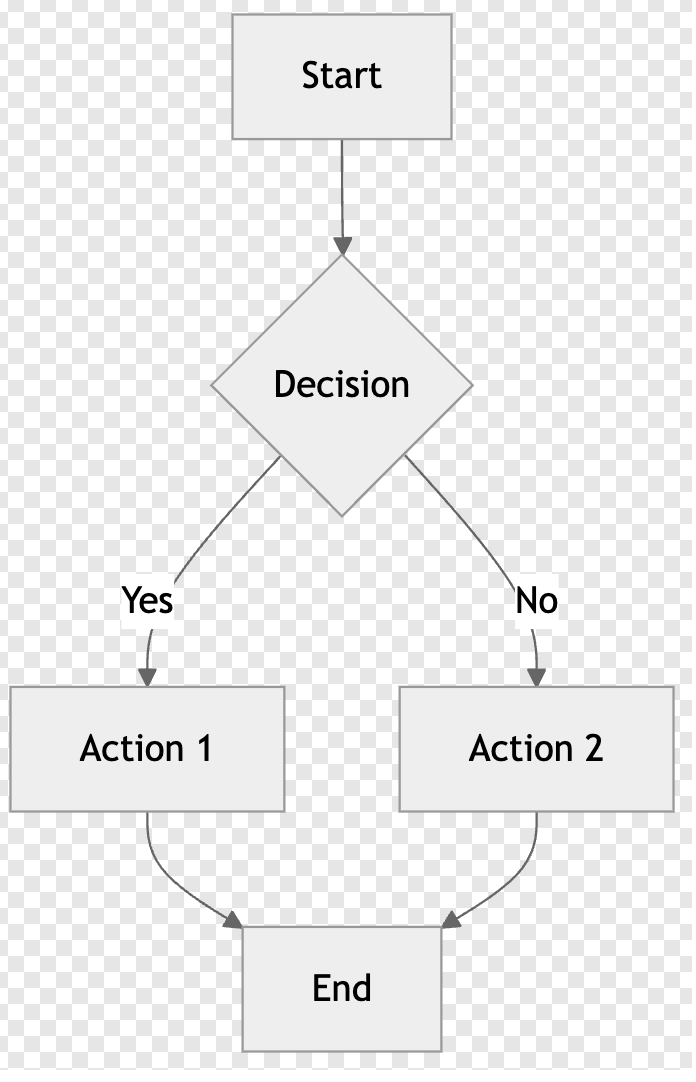
Flowcharts
Prompt:Create a flowchart showing user registration process with validation steps
Response:
Mermaid Code
Mermaid Image
Sequence diagrams
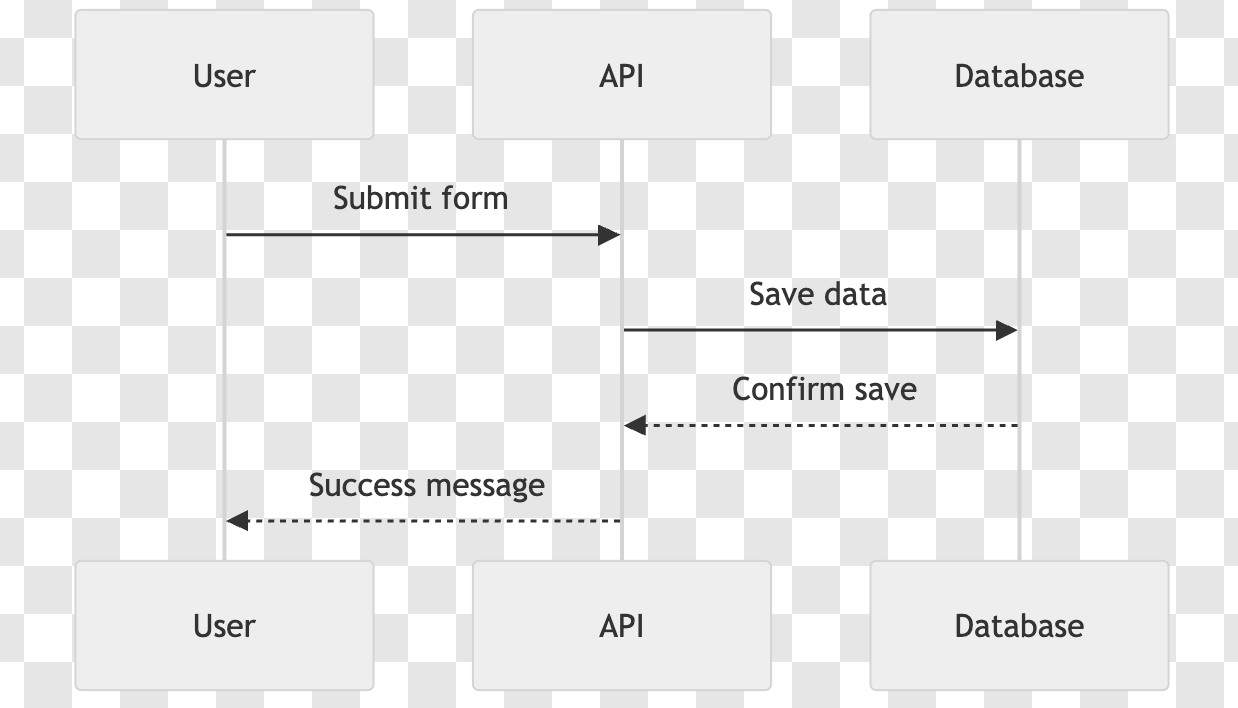
Prompt:Generate a sequence diagram for a login process with authentication service
Response:
Mermaid Code
Mermaid Image
Class diagrams
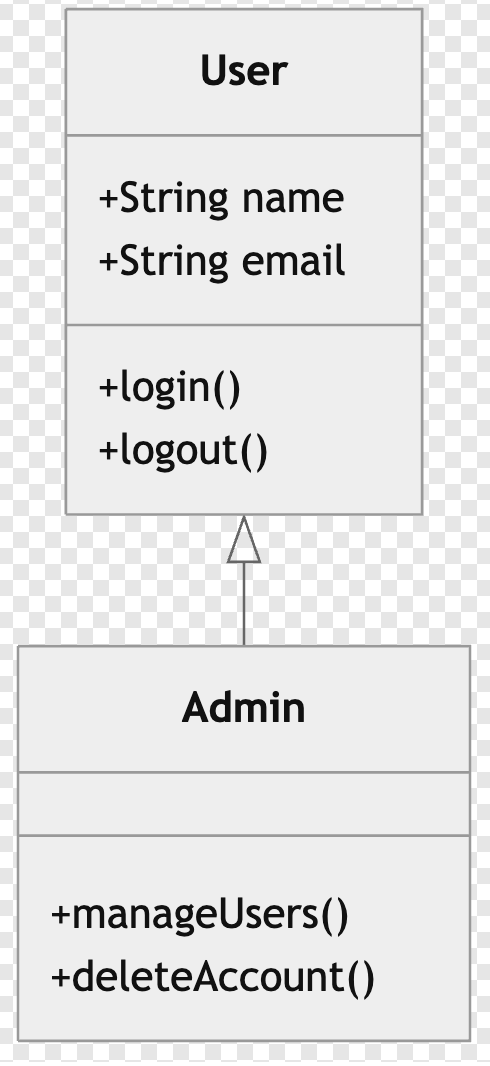
Prompt:Create a class diagram for a user management system with User and Admin classes
Response:
Mermaid Code
Mermaid Image
State diagrams
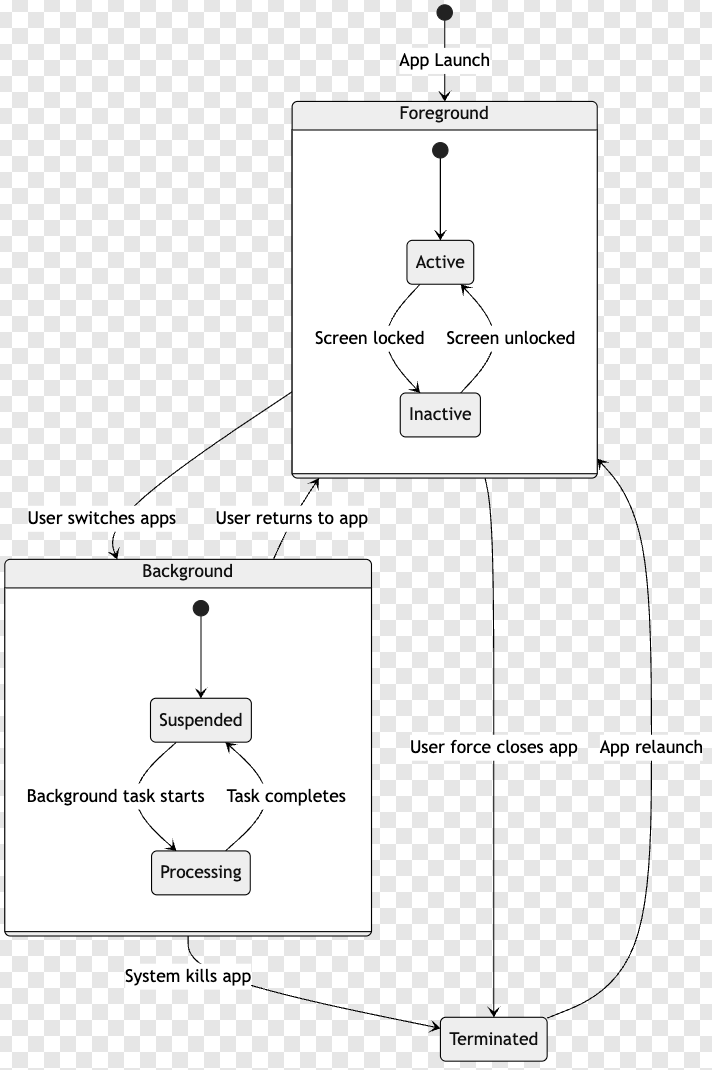
Prompt:Design a state diagram for a mobile app with foreground, background, and terminated states
Response:
Mermaid Code
Mermaid Image